
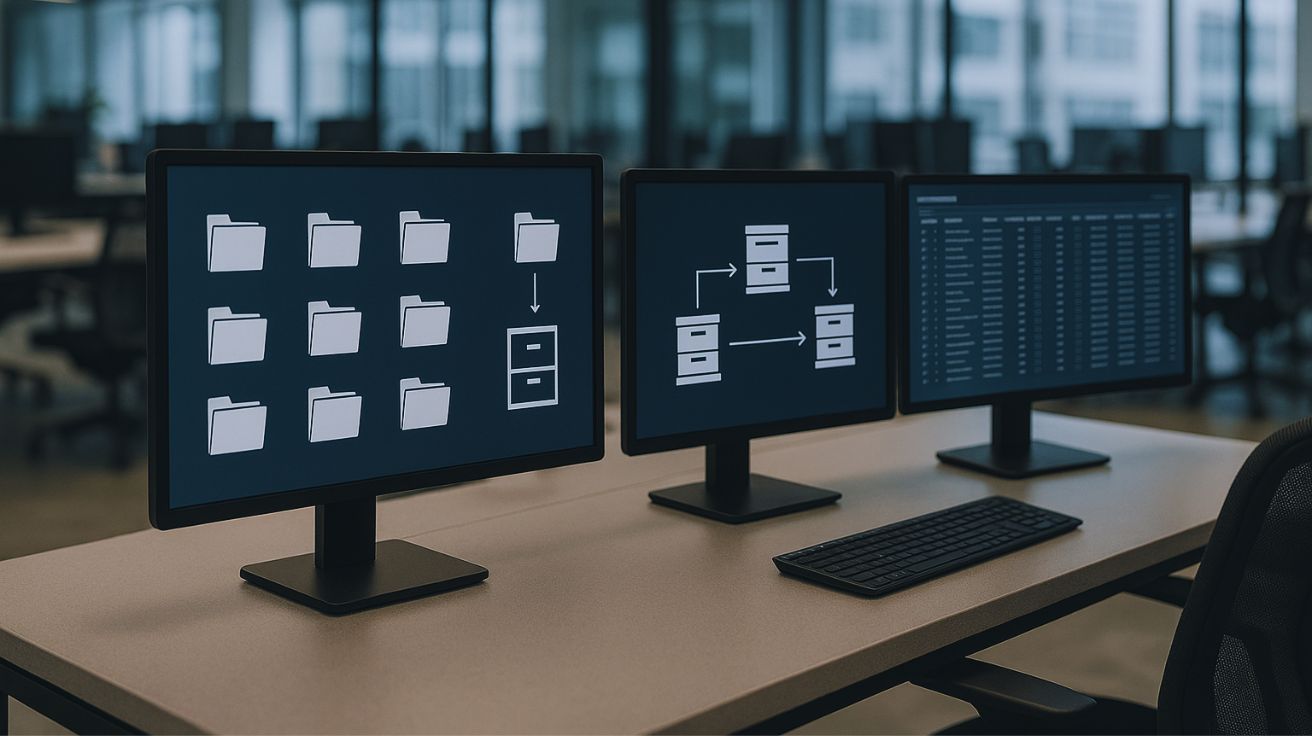
Records management software is no longer a backend tool that no one talks about. It’s quickly becoming the silent advantage behind companies that move faster, stay compliant, and never panic during an audit.
Do You Know?
Nearly 60% of businesses admit they cannot locate critical records when needed — especially during compliance checks or legal requests.
That single statistic says everything.
You may be closing deals, onboarding clients, managing invoices, or running departments smoothly — but if your records are scattered across shared drives, emails, desktops, and folders… you’re operating blind.
This guide will show you exactly what records management software is, what it does, why it matters now more than ever, and how to choose the right system using a step-by-step approach.
And yes — toward the end, we’ll also look at how modern platforms like DocuPile fit into the complete records management ecosystem, softly and strategically, without getting in your way.
Ebook: Records Management Software The Complete Guide for Modern Organizations
What Is Records Management Software?
Records management software is a digital solution that organizes, governs, protects, and tracks business information throughout its entire lifecycle — from creation to secure disposal.
What Makes It a “Records Management System” Automatically?
A good records management software isn’t just software.
It becomes a “records management system” because it combines:
- Software (the platform)
- Processes (how information moves)
- Policies (retention, access rules, compliance)
- Controls (permissions, legal holds, audit trails).
This blend creates a governed environment — not just a filing system.
Core Functions:
- Capture – Bring records in from uploads, scans, emails.
- Classify – Place them into categories or departments.
- Add Metadata – Tag records by client, date, type, department, etc.
- Secure Access – Ensure only the right people see sensitive files.
- Track Activity – Know who accessed or edited what.
- Retention Policies – Automate how long each record stays.
- Legal Holds – Freeze records during investigations.
- Disposition – Archive or securely delete at the right time.
- Audit Reporting – Produce clean trails during audits.
Why Your Business Needs Records Management Software?
Here’s the real problem: businesses generate thousands of records every month… but almost none of it is governed.
The Result?
Firefighting, miscommunication, legal risks, stress, wasted hours.
|
Problem |
Hidden Cost | Risk |
|---|---|---|
| Lost files | Hours wasted searching | Failed audits |
| No retention rules | Storage overload | Legal penalties |
| Scattered records | Broken workflows | Data breaches |
| No access control | Confidential leaks | Compliance issues |
A modern records management software solves all of this with structure, automation, and controlled governance — restoring sanity to your information.
What Records Management Software Does in Simple Terms?
You asked for this breakdown — the most human-friendly explanation:
1. Organize
2. Protect
3. Track
4. Ensure Compliance
5. Govern the Entire Lifecycle
DocuPile example:
Platforms like DocuPile help govern this full lifecycle without forcing your teams to change the way they work.
Key Features to Look for in Records Management Software
Before choosing a solution, ensure the software supports:
- Central repository
- Metadata & classification
- Advanced search
- Retention schedules
- Legal hold functionality
- Audit trails
- Role-based access
- Workflow automation
- Integrations with email + drive + line-of-business apps
- Secure archival and version history
Soft brand placement:
Modern platforms vary, but DocuPile provides all these capabilities in one ecosystem.
How to Choose the Right Records Management Software?
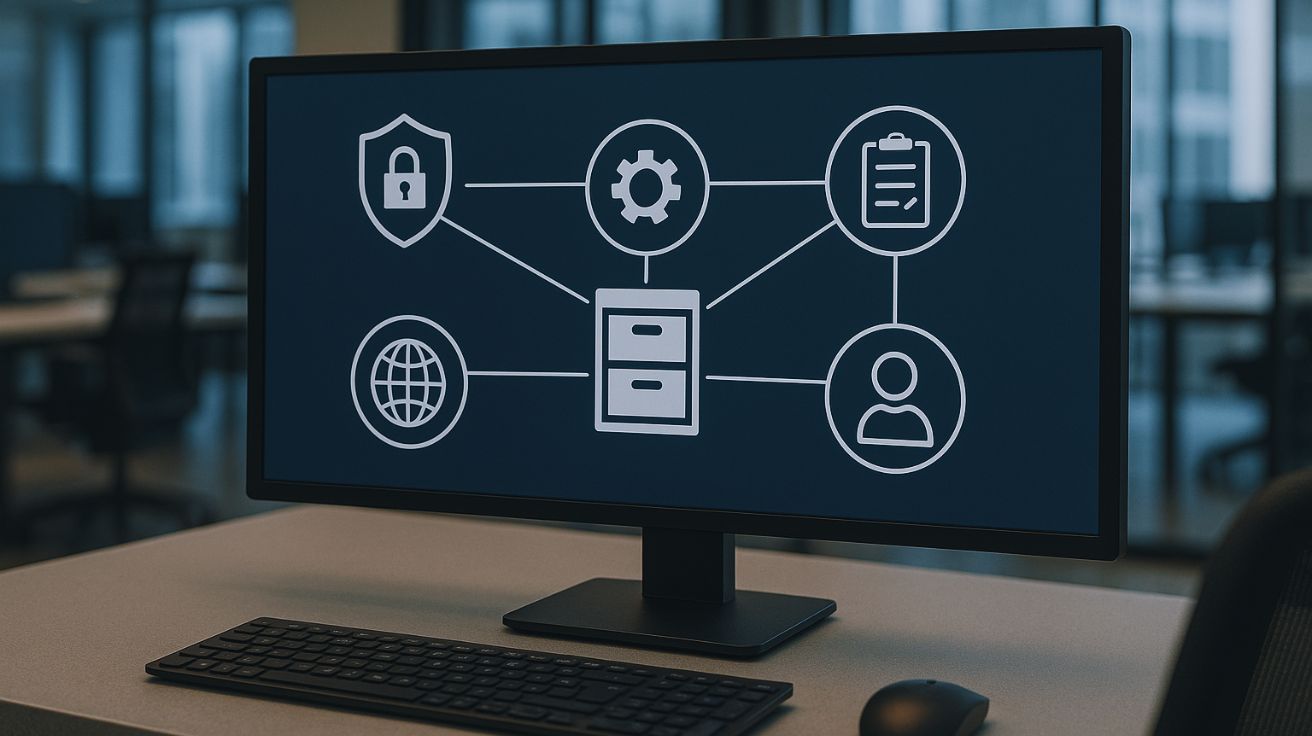
Step 1 — Identify Your Record Types & Compliance Needs
List all departments: HR, Finance, Legal, Projects, Clients, Vendors.
Step 2 — Define Must-Have Features
Use a checklist to separate “must-have” vs “good-to-have.”
Step 3 — Evaluate Ease of Use
If your teams can’t use it daily, it won’t work — no matter how powerful.
Step 4 — Look for Automation & Integrations
This step is where platforms like DocuPile help because automation reduces manual work and integrations reduce workflow friction.
Step 5 — Confirm Security & Permissions
Ensure role-based access, audit logging, and strict authorization controls.
Step 6 — Review Retention & Legal Hold
A true system must support retention policies and freeze records instantly during legal investigations.
Step 7 — Compare Pricing + Scalability + Vendor Reliability
Price is not the only factor — longevity matters more.
A short discovery call with DocuPile can help you evaluate your checklist in a real environment.
What Industries Need Records Management Software the Most?
Some industries rely heavily on structured records — sometimes for years or decades.
1. Accounting & Financial Services
Audits, statements, invoices, and contracts require long-term retention and tracking.
2. Healthcare & Insurance
Sensitive, regulated data requires strict compliance and secure access.
3. Education & Government
Student records, staff files, public documents — long-term storage is mandatory.
4. Construction & Real Estate
Contracts, project approvals, revisions — everything must be traceable.
DocuPile: Your Complete Records Management Ecosystem
This is where DocuPile becomes the perfect fit.
DocuPile simplifies the entire process with:
- Automated classification
- Metadata governance
- Controlled access
- Workflow automation
- Retention & legal holds
- Full audit trails
- Seamless retrieval
- Secure archival
Conclusion: Ready for Smart Record Keeping?
Records management software gives businesses clarity, structure, control, and compliance — all in one workflow-friendly environment. Whether you’re overwhelmed with scattered files or preparing for upcoming audits, the right system transforms your information from chaos into governed intelligence.
And if your team needs a single ecosystem to manage this full lifecycle, DocuPile can support you with a clean, modern, and automated approach.